-
Getting Your Data Out of the Leads App
You don't need to be at a desktop to do this. You can trigger the export right from the smartphone or tablet you used to scan badges.
- Launch the Eventleaf Leads app on your smartphone, tablet or Windows PC.
- Once the app is loaded, please type your email address and click next.
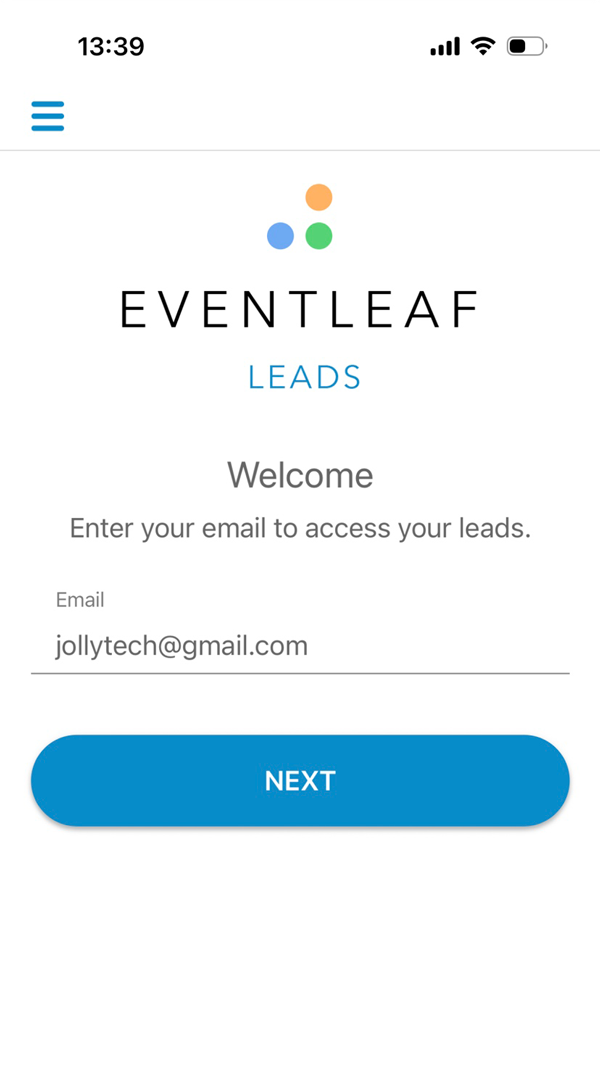
- Enter your password and click “LOG IN”
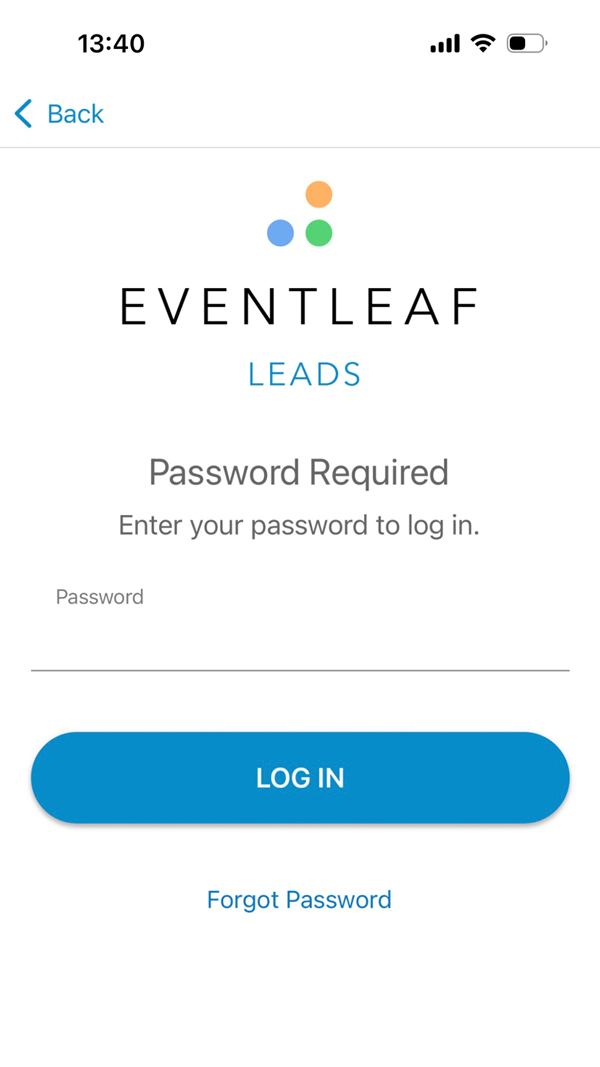
- Click on the event you are going to attend to capture leads.
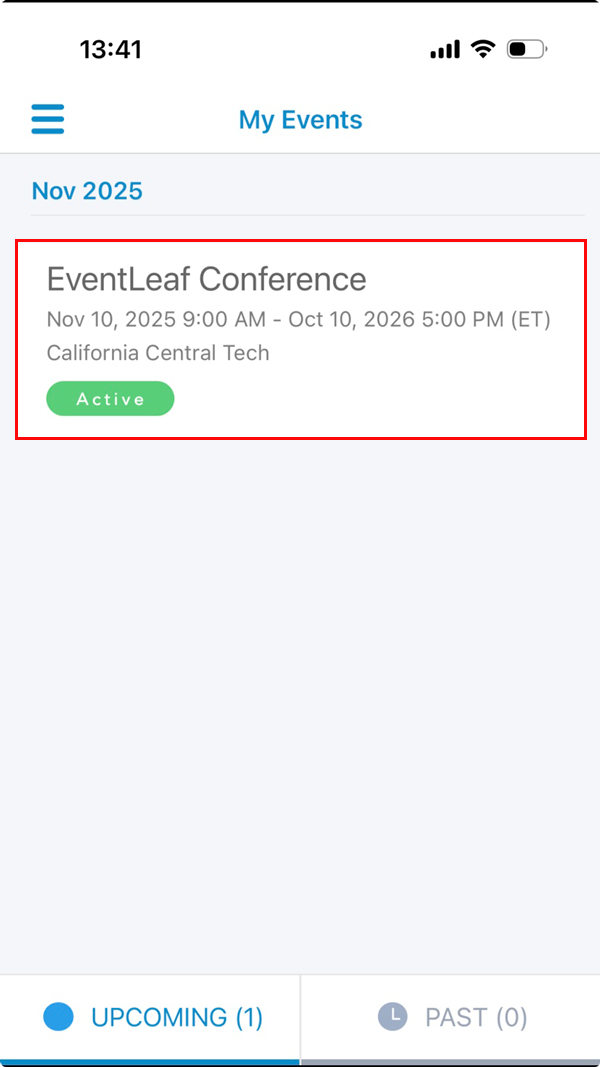
- Start capturing leads and review your captured leads by clicking on the View Leads button at the bottom.
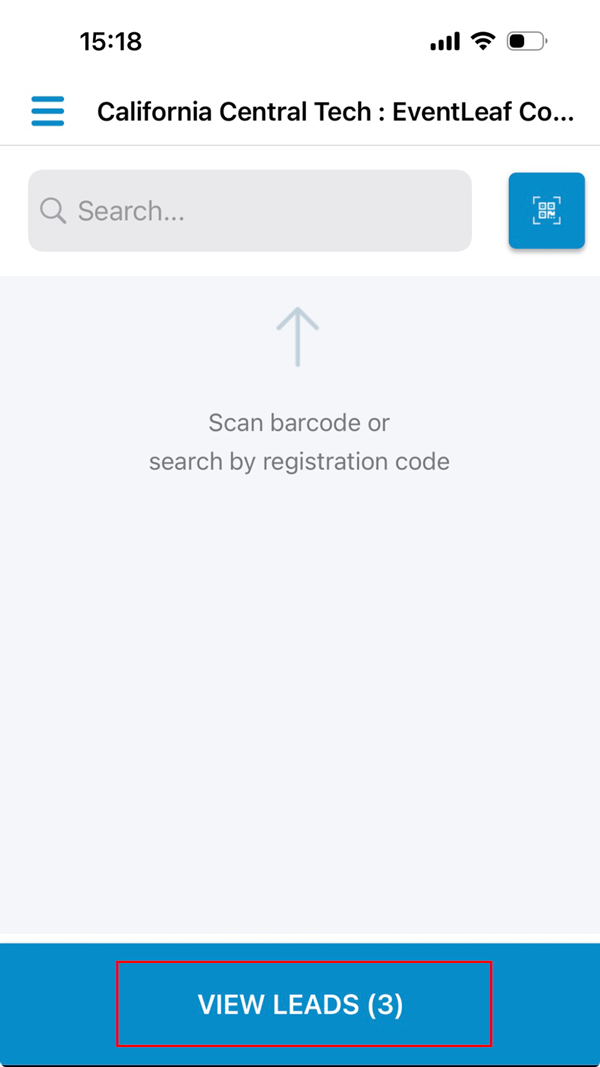
- Click on the Hamburger icon on the top left side of the app.
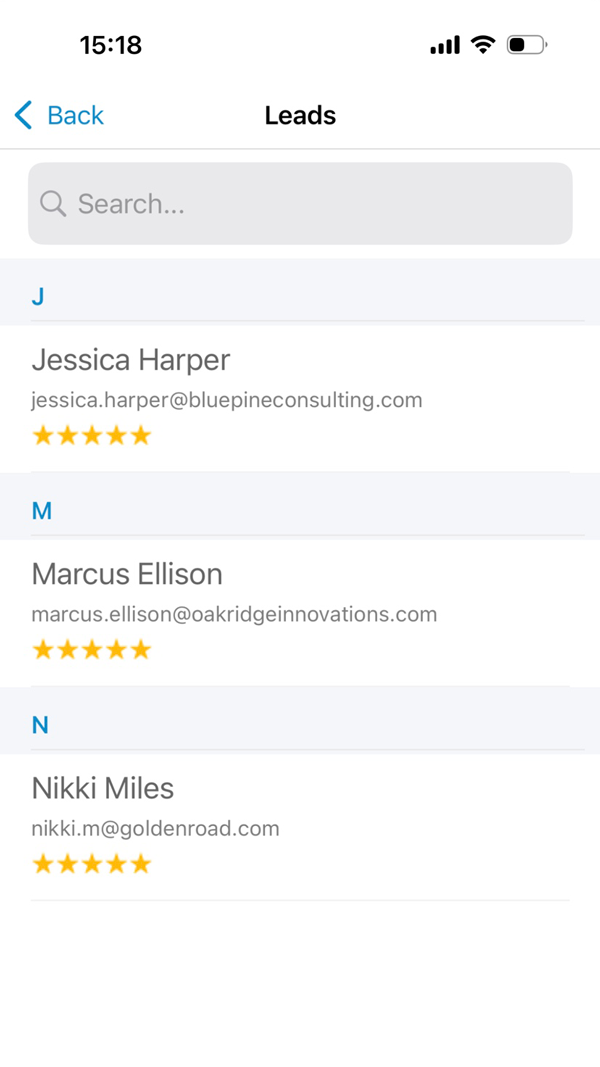
- Click on Export Leads
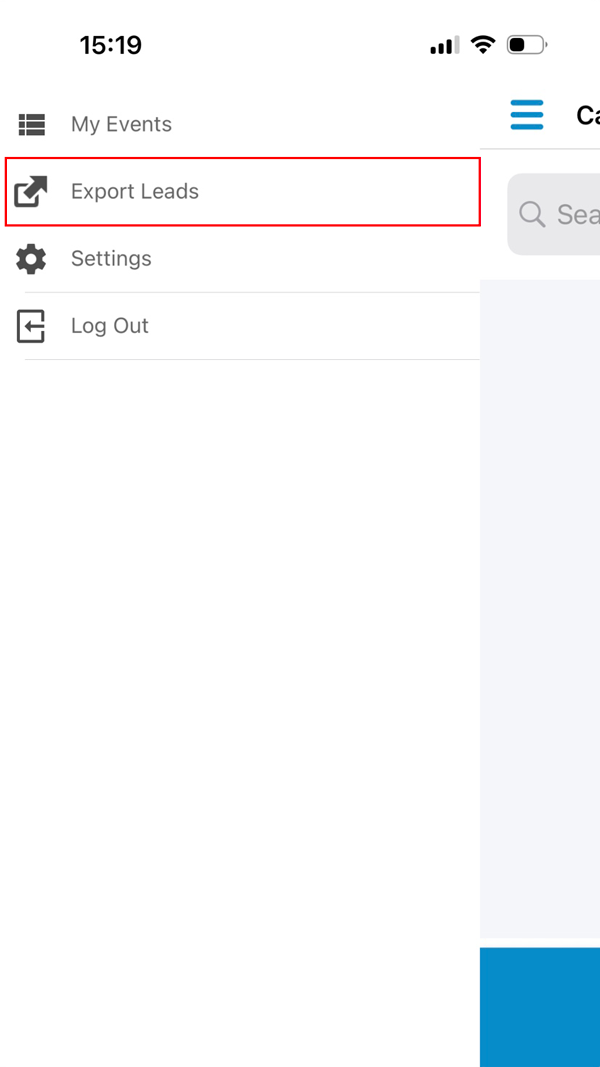
- Enter the email address and select the file format. Once done, click on “Send”.
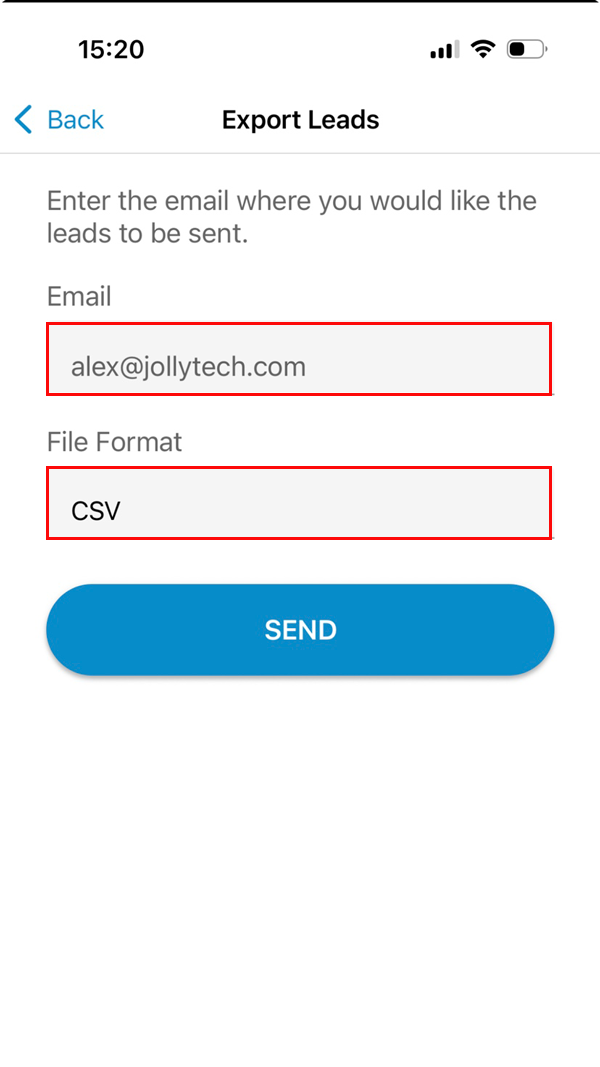
- You will receive an email with the attached document. Click on the document to open.
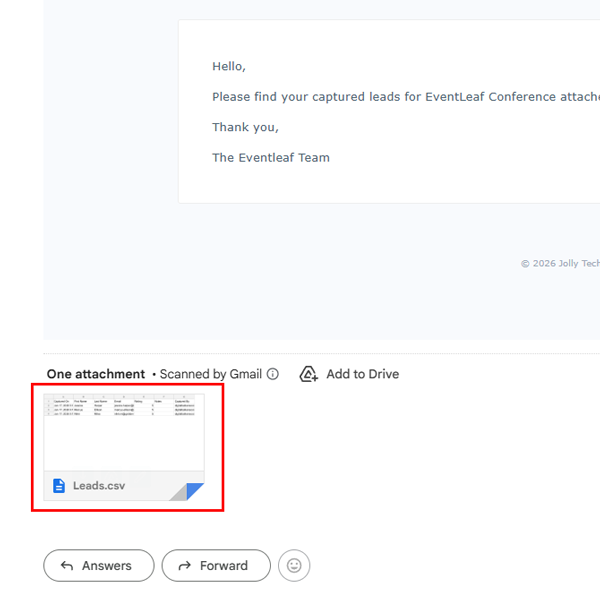
- You will be able to see the data for all the leads captured along with the comments and rating.
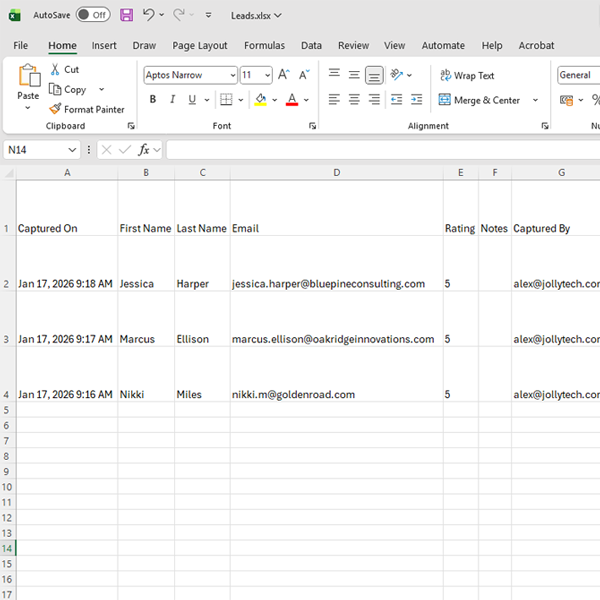
Here is the enhanced version of the guide on exporting leads, tailored to your friendly, expert style.
-
Practical Use Cases
Knowing how to export is easy, but knowing when to do it can improve your workflow.
-
The Mid-Day Huddle
You are halfway through Day 1 of a conference. Instead of waiting until the end of the event, export your leads during the lunch break.
- The Benefit: You can skim the list to see if you missed any VIPs or hot prospects who need a second touchpoint before the expo hall closes.
-
The CRM Hand-off
The event just ended. Don't let those leads sit cold over the weekend.
- The Benefit: Export the list as a CSV immediately. If your marketing team is back at the office, they can upload that file into Salesforce or HubSpot and trigger a "Nice to meet you" email sequence while the attendees are still traveling home.
-
The Daily Debrief
You are in the middle of a three-day exhibition. Don't wait until the entire event wraps up to check your data health.
- The Benefit: Exporting your leads at the end of each day allows you to do a quick quality control check. If you notice your booth staff is scanning badges but forgetting to add ratings or notes, you can correct that behavior during the morning meeting before the exhibit hall opens again.